Hello Guys, i‘m very new at this 
How i get the dark theme for my dashboard?
Thank you!
Hello Guys, i‘m very new at this
How i get the dark theme for my dashboard?
Thank you!
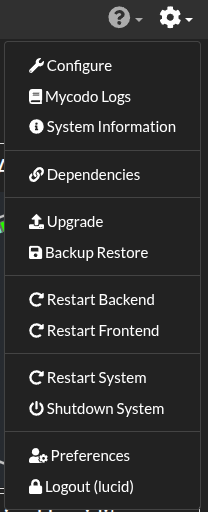
Click the gear Icon in the far upper right-hand corner of the Mycodo Web Interface…
Then click “Preferences” near the bottom of the drop-down menu…
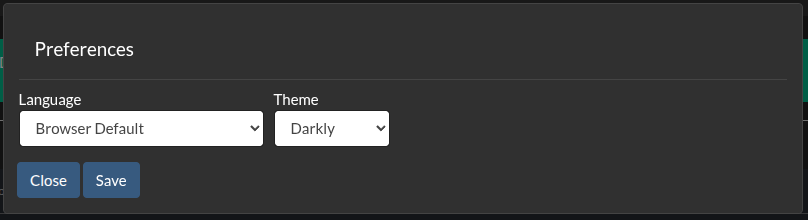
You will see the “Theme” drop-down menu in the Preferences popup…
This will set the theme for the entire web interface, not just the Dashboard.
Thank you! It Can be so easy