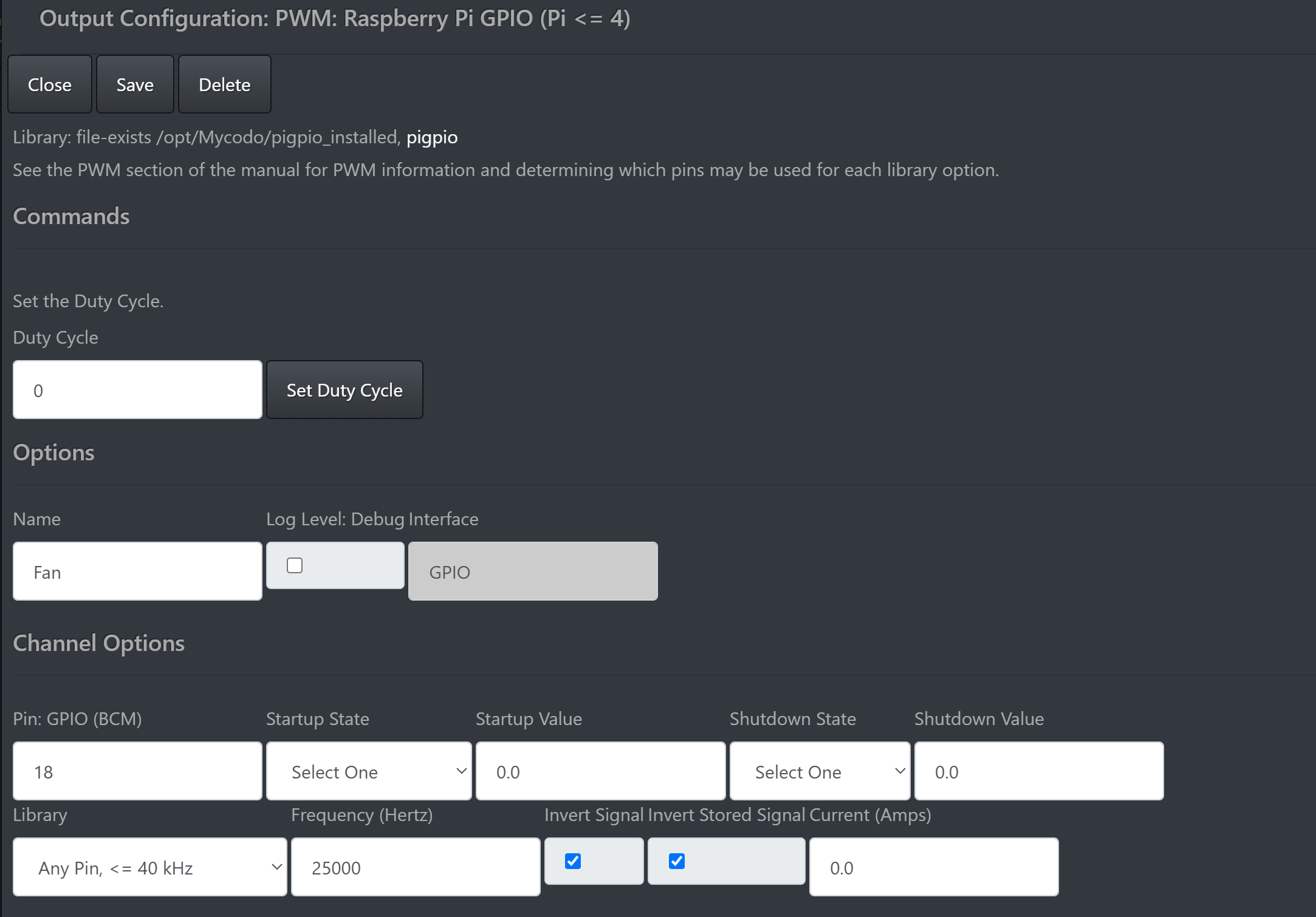
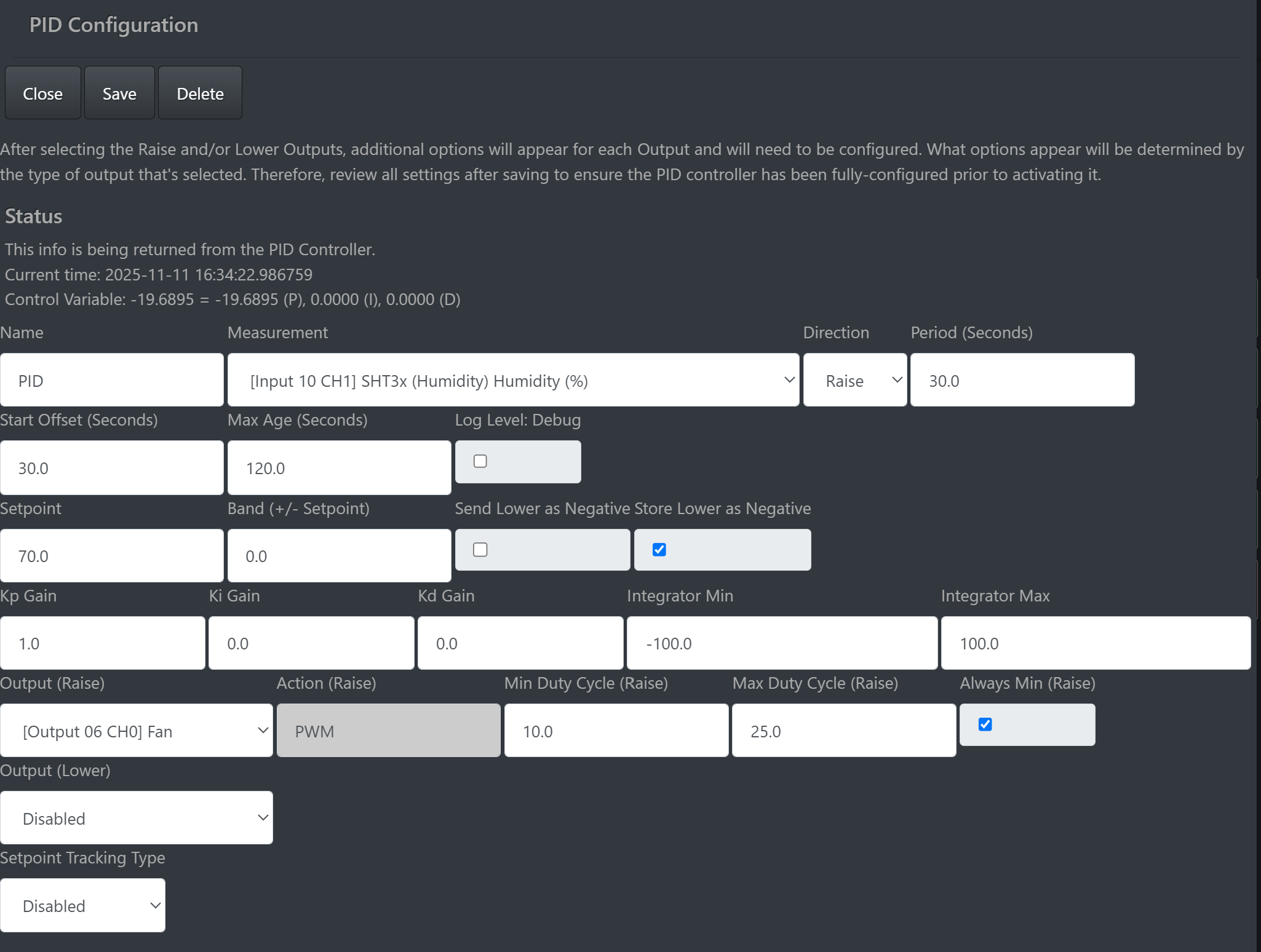
I am using a PWM fan in my meat curing chamber and using it in conjunction with the PID function to help stabilize the environment. All of this is working well. Now I would like to show the fan speed/duty cycle on a gauge and/or a chart on the dashboard. is this possible?
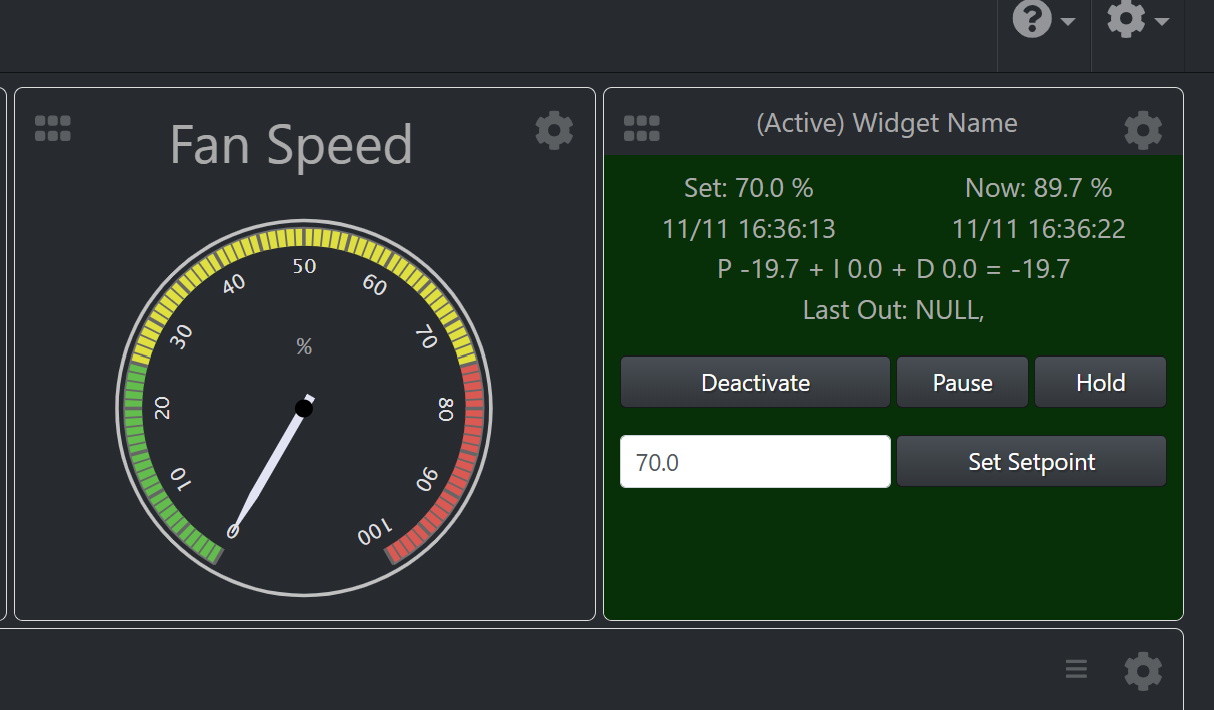
When I add the Gauge, I see an option for PID Fan Duty Cycle, but not for the actual PWM Fan output. This would be fine, but as you can see from the screen shot below, the gauge always shows 0, while the PID Controller shows the actual duty cycle.
Since PWM is a duty cycle in percent, which is a decimal from 0 to 1, have you tried setting the gauge range from 0 to 1? I’d also set the max age to something very large in order to ensure you pick up the last saved value.
If that doesn’t work, we can create an issue to add PWM/duty cycle support to the gauge widget.
Ok, so on the gauge, I set the range from 0 –> 1, and set the max age to 1 week, (overkill I know), which got the gauge working. However, it shows the set duty cycle rather than the actual.
That being said, when I also adjusted the max age on the measurement widget, that does seem to be reporting correctly. **Correction, the measurement widget is reporting the duty cycle as set in the PWM output setup.